Pixel Art Generator for MCPE
*** You no longer need to look at an image and painstakingly create pixel art one block at a time. With this app you can quickly and easily turn any image into a pixel art creation whether it be something as simple as an icon from a game or something complex like a selfie you just took ***
It's an easy 3 step process:
+++ Step 1 — Select an image to use +++
+++ Step 2 — Choose output options +++
+++ Step 3 — Paste it into your world +++
+ This app can powerfully generate pixel art from images of any size and then output into your world up to 512 blocks wide and 512 blocks long!
+ You can choose whether you want the Pixel Art to be horizontal(flat) or vertical(standing up.)
+ Choose exactly which types of blocks you want the app to use when creating the pixel app. This allows you to use only the wool blocks or nearly every block from Minecraft that has close to a solid color!
Как скачать pixel art generator for minecraft
Program Pixel Art Generator for Android allows you to create a world in Minecraft PE pixel art in automatic mode. Due on their devices program Pixel Art Generator You no longer need painstakingly to build each block in your design to make a masterpiece of art.
Program Pixel Art Generator will do everything for You in a matter of seconds, and You only need to specify several options for generating art.
How to use?
Once you have downloaded and installed Pixel Art Generator go in Minecraft Pocket Edition and create a flat world. 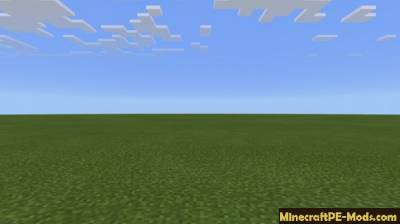
Next you need to get out of Minecraft Pocket Edition and go to the Pixel Art Generator program and press «Select Image». Next, select the desired image from which you want to make art in Minecraft PE. 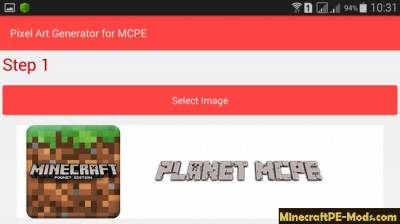
After loading the images into the program you can configure some settings, display art in a flat world. You can specify the size in pixels art, art layout (vertical/horizontal), so you can specify how many blocks will fall on one pixel. 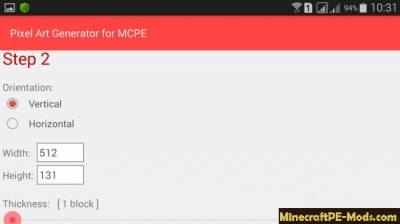
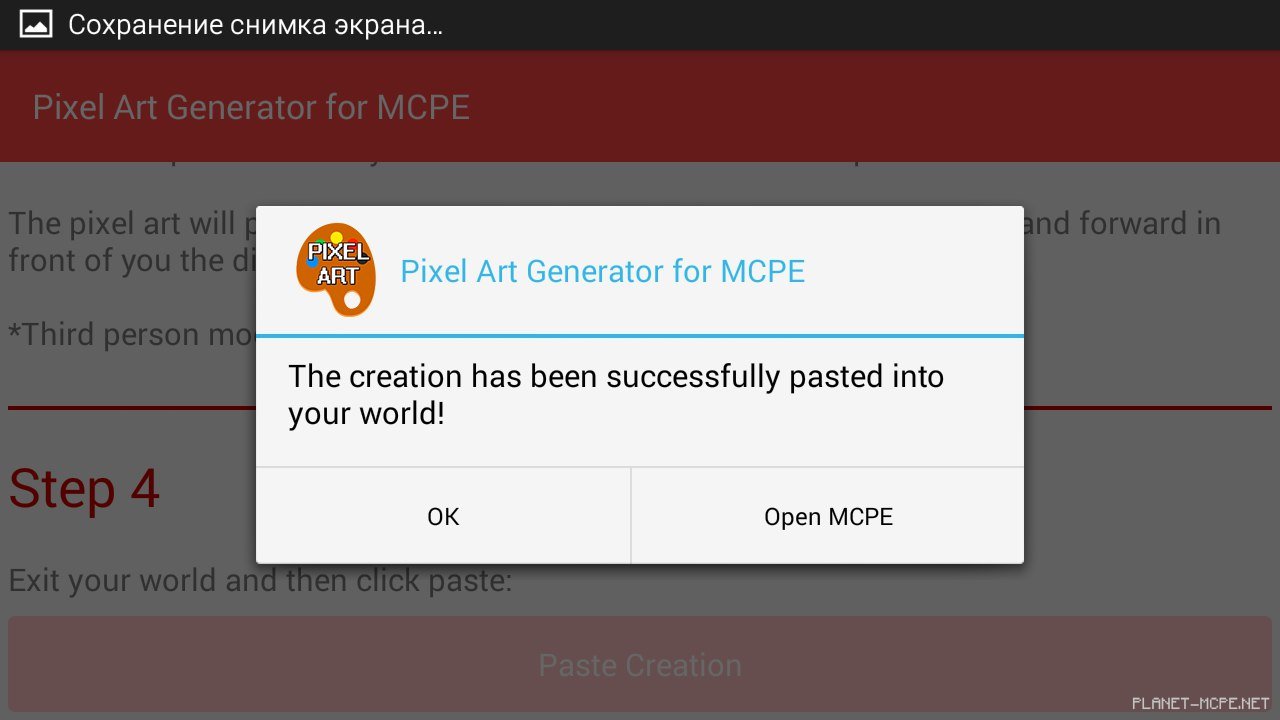
When you have specified all options generate art, you can click on the button: «Paste Creation» 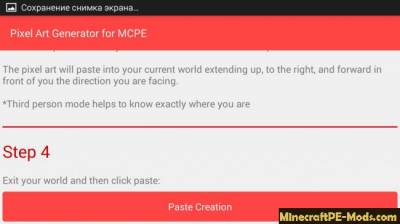
This will start the generation of art and copy it into the world of Minecraft PE. (If you did not close Minecraft PE, the generation of art is not going to happen!) 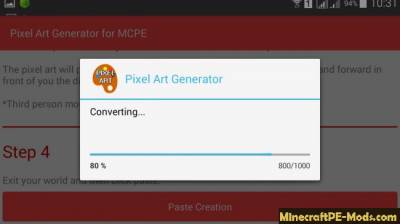
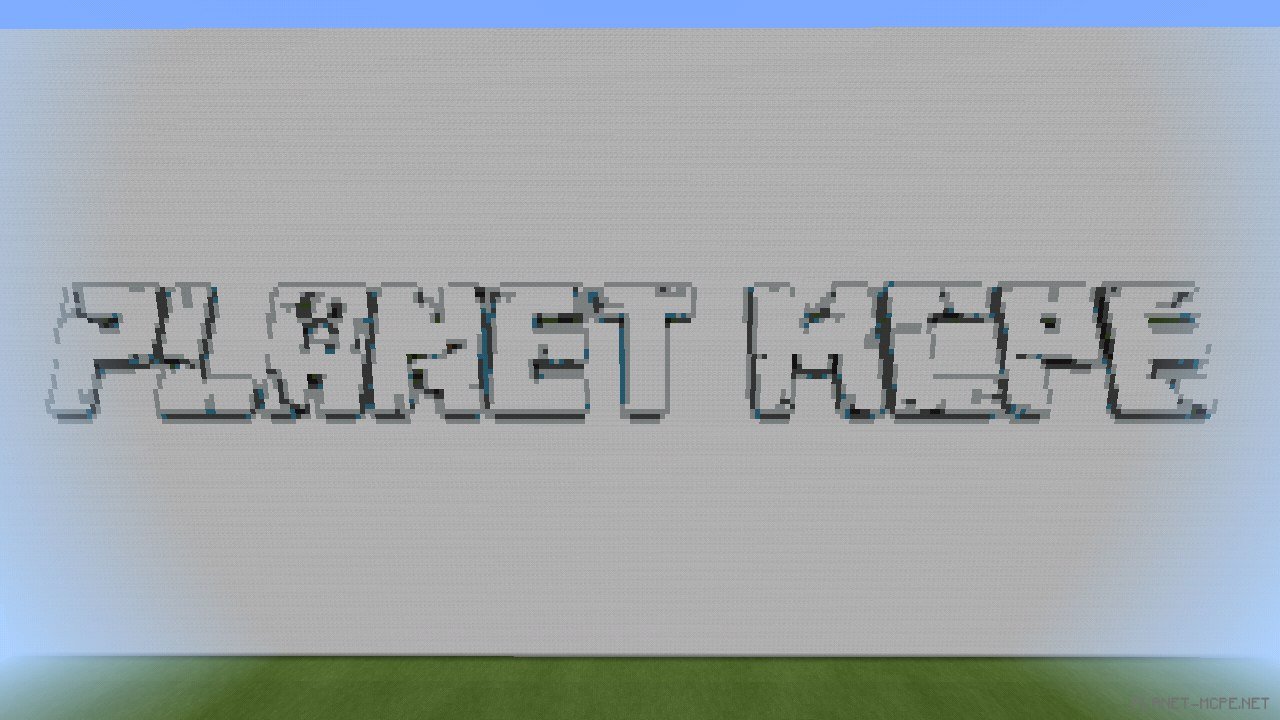
When the generation of art is completed you will be prompted to run client Minecraft Pocket Edition — run the game, go in peace and enjoy generated art. 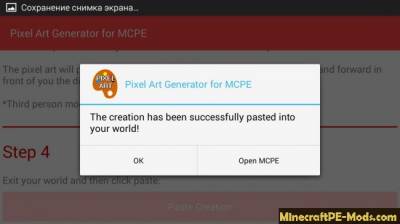
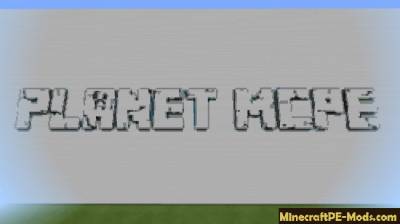
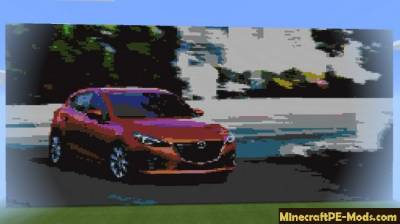
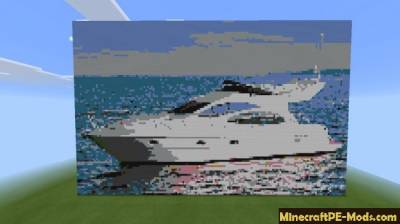
Arts in Minecraft PE: 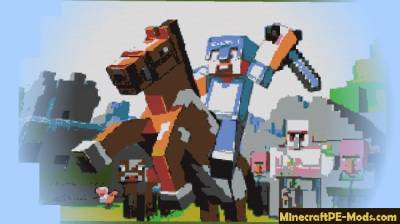
Программа Pixel Art Generator for MCPE

С этой простой программой вы сможете создать свою собственную текстуру для Minecraft Pocket Edition. Текстуру для своей карты, для мода или просто для себя.
Программа «Лёгкий скриншот» для Android, разрешает очень просто и быстро сделать скриншот в вашей игре, также вы сможете просматривать ваши скриншоты
Эта программа создана для редактирования миров в Minecraft PE 0.9.x-0.10.x
Pixel Art Generator для Android
Программа Pixel Art Generator для Android позволяет создавать в мире Minecraft Pocket Edition пиксель арты в автоматическом режиме. Имея на своих девайсах программу Pixel Art Generator Вам боле не нужно будет кропотливо выстраивать каждый блок в вашей конструкции, чтобы получился шедевральный арт.
Программа Pixel Art Generator все сделает за Вас в считанные секунды, а Вам нужно будет всего лишь указать несколько параметров генерации арта.
Как пользоваться?

После того как вы скачали и установили Pixel Art Generator зайдите в Minecraft Pocket Edition и создайте плоский мир.
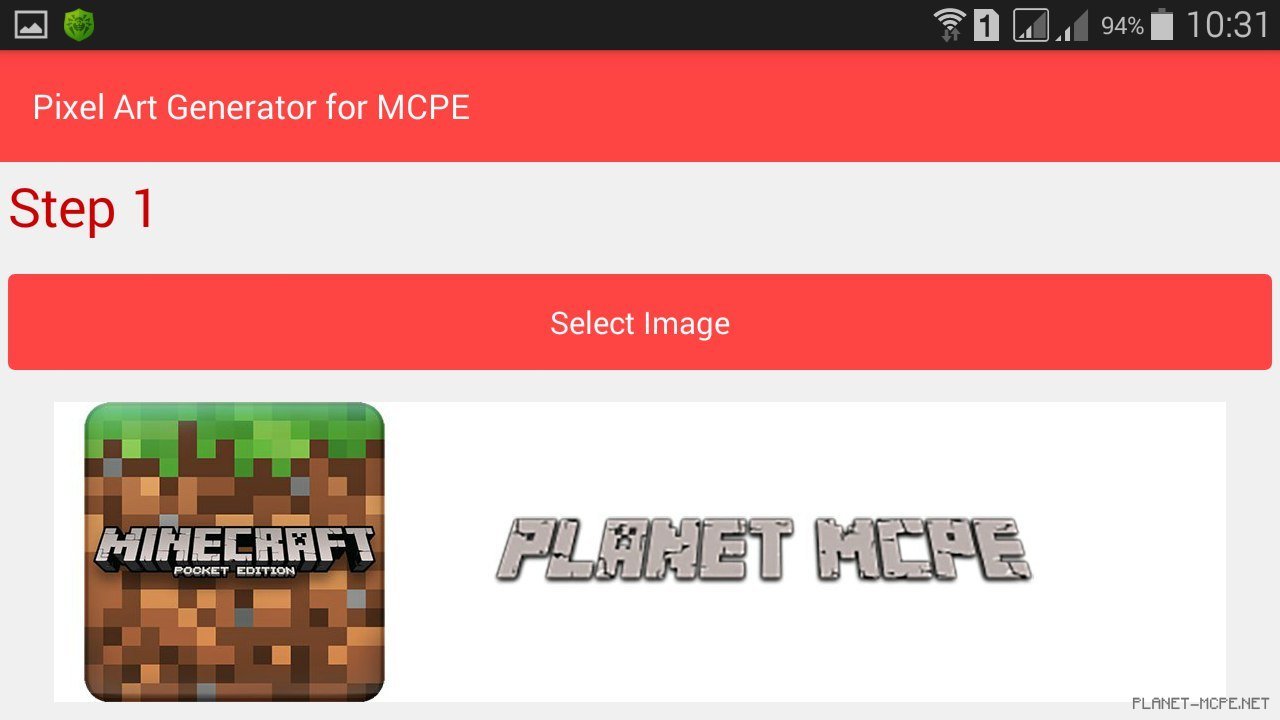
Далее вам нужно выйти из Minecraft Pocket Edition и зайти в программу Pixel Art Generator и нажать: «Select Image«. Далее выберите нужное изображение с которого вы хотите сделать арт в Minecraft PE.
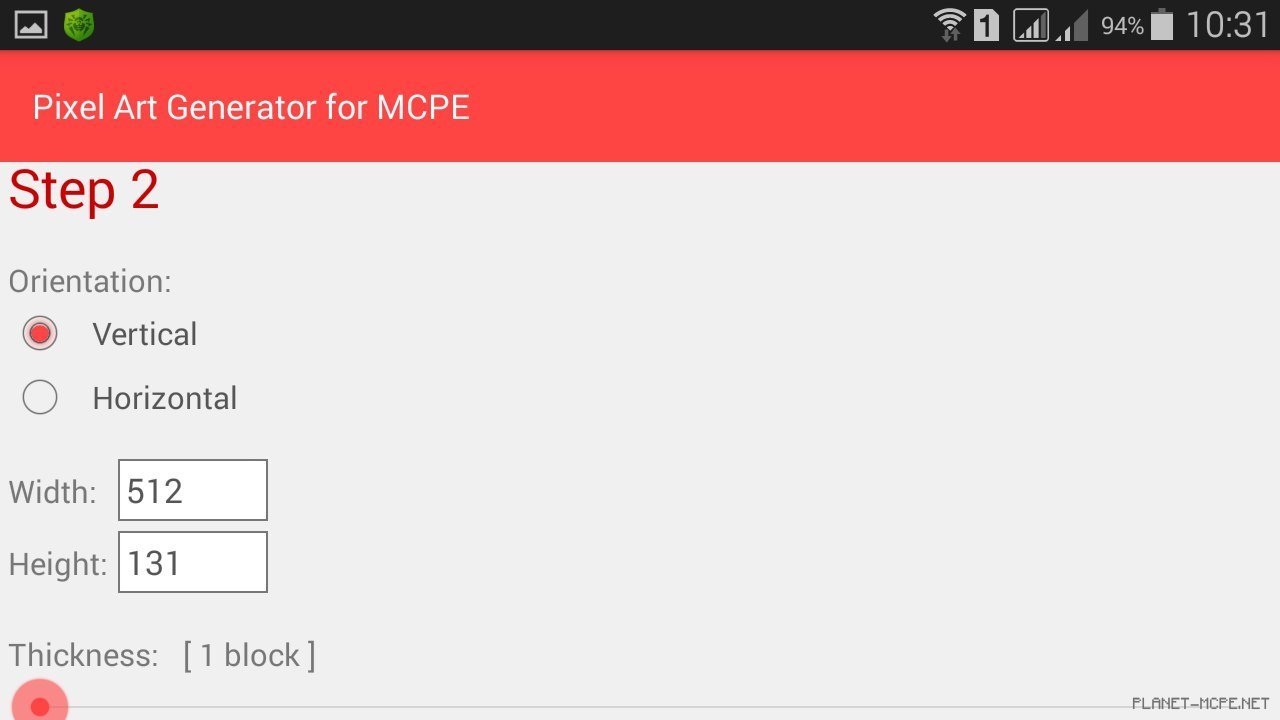
После загрузки изображения в программу вы можете настроить некоторые параметры отображения арта на плоском мире. Вы можете указать размеры арта в пикселях, расположение арта (вертикально/горизонтально), так же вы можете указать сколько блоков будет припадать на один пиксель.
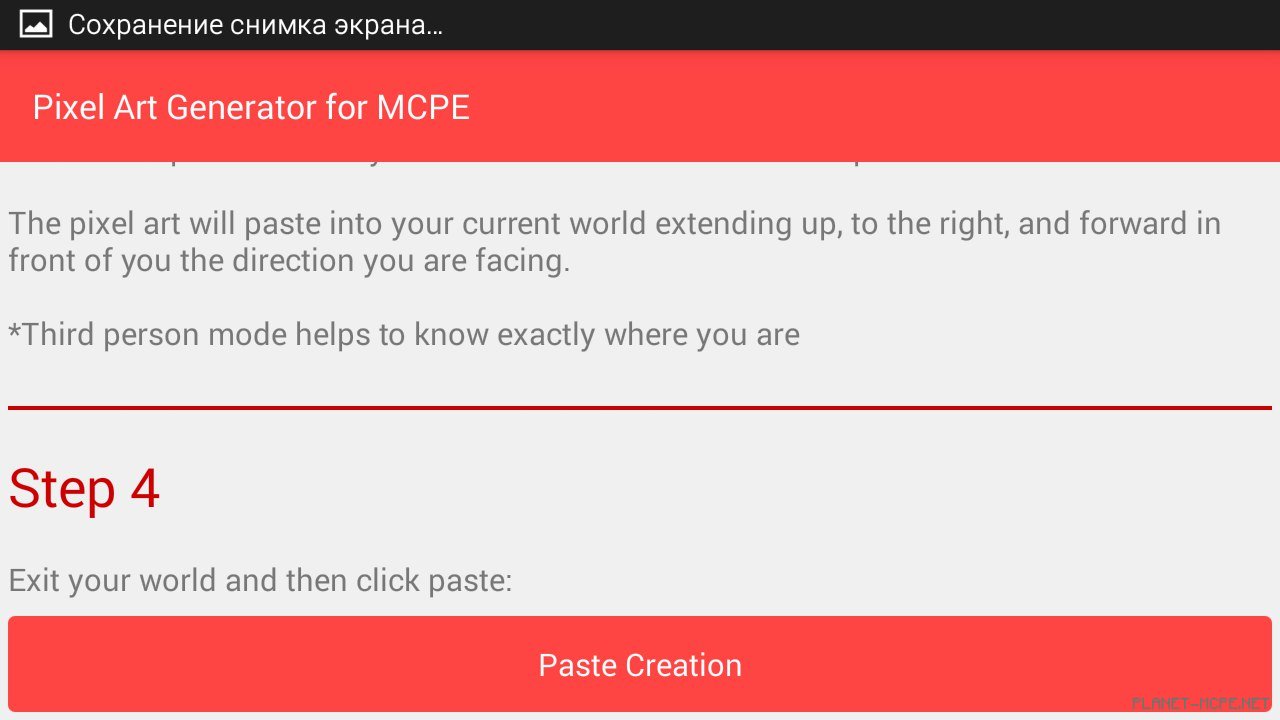
Когда вы указали все опции генерации арта, вы можете нажать на клавишу: «Paste Creation«.

После этого начнется генерация арта, а копирование его в мир Minecraft PE. (Если вы не закрыли Minecraft PE, то генерация арта не произойдет!)
Когда генерация арта будет окончена вам предложат запустить клиент Minecraft Pocket Edition — запускаем игру, заходим в мир и наслаждаемся сгенерированным артом.